
INTERACTIVE & KIOSK
Turn Every Touchpoint Into an Experience.
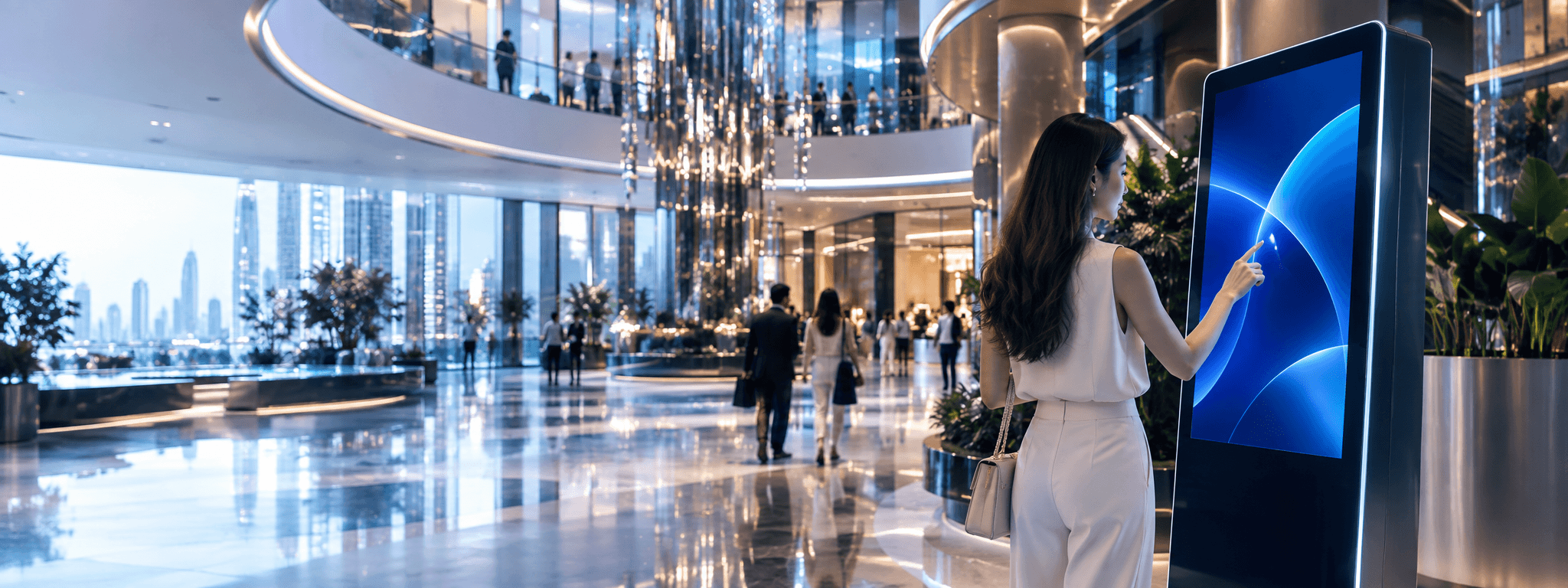
Create interactive experiences that help people explore, find information, access services and complete tasks — through digital touchpoints designed around your space and purpose.
PEOPLE SPACES TECHNOLOGY A MORE CONNECTED WORLD
Welcome
How can we help you today?
- Find a Place
- Explore Services
- Events & Activities
- Transport Info
- REAL INTERACTIONS
- REAL IMPACT
When People Need More Than Information.
Some moments require more than displaying content. Interactive touchpoints allow people to explore, make choices, find what they need and take action — directly within the physical environment.
- See
- Touch
- Understand
- Act
Explore
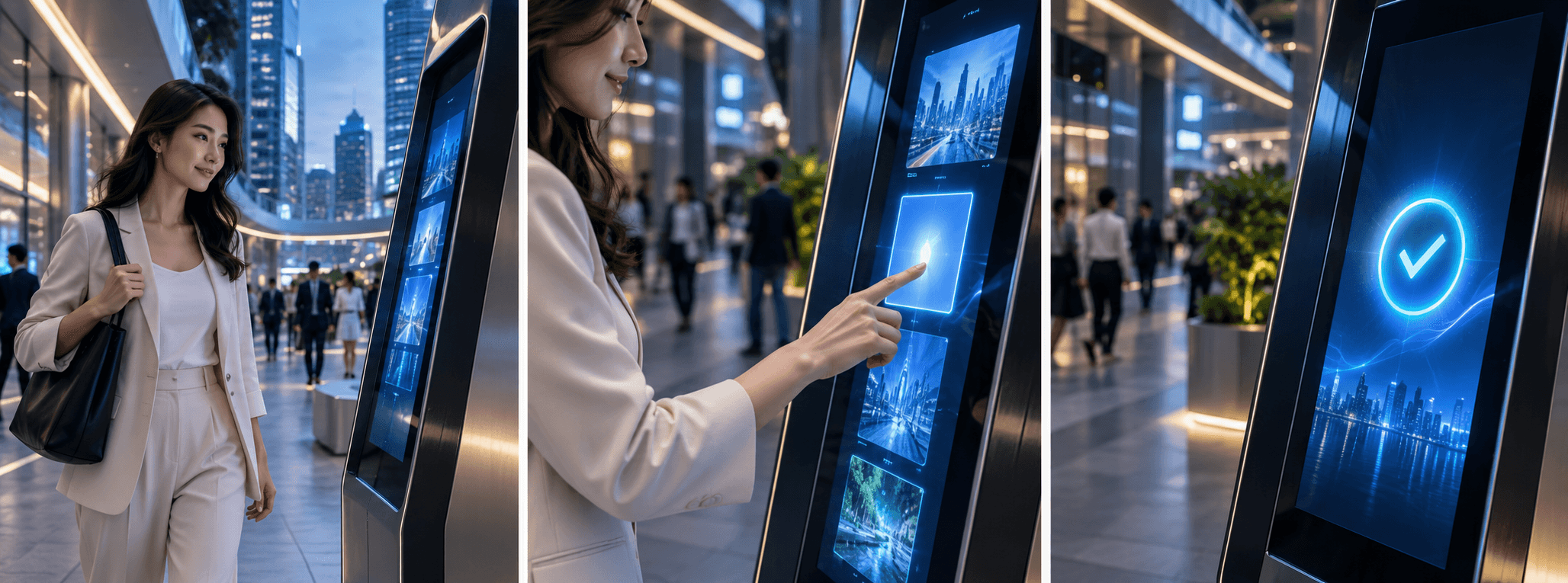
Let people discover information, products, places or services at their own pace.
Find
Help people navigate spaces and find what they're looking for.
Choose
Guide people through options, recommendations and decisions.
Act
Enable people to submit requests, register, check in or complete other tasks.
Connect
Connect the physical interaction with digital systems, services and workflows.
The Right Touchpoint Starts With What People Need to Do.
A successful interactive experience is not defined by the kiosk alone. It starts with the user, the task, the environment and what should happen after the interaction.
Person
Who will use it?
Need
What are they trying to accomplish?
Task
What should they be able to do?
Environment
Where will it be used?
Interface
What is the simplest experience?
Outcome
What should happen next?
We design the experience before selecting the device.
People
Real needs
Experience
Intuitive and useful
Touchpoint
Hardware and interface
Connected
To your systems
Different Touchpoints for Different Experiences.

Interactive Display
Collaboration, presentation and shared experiences.
Explore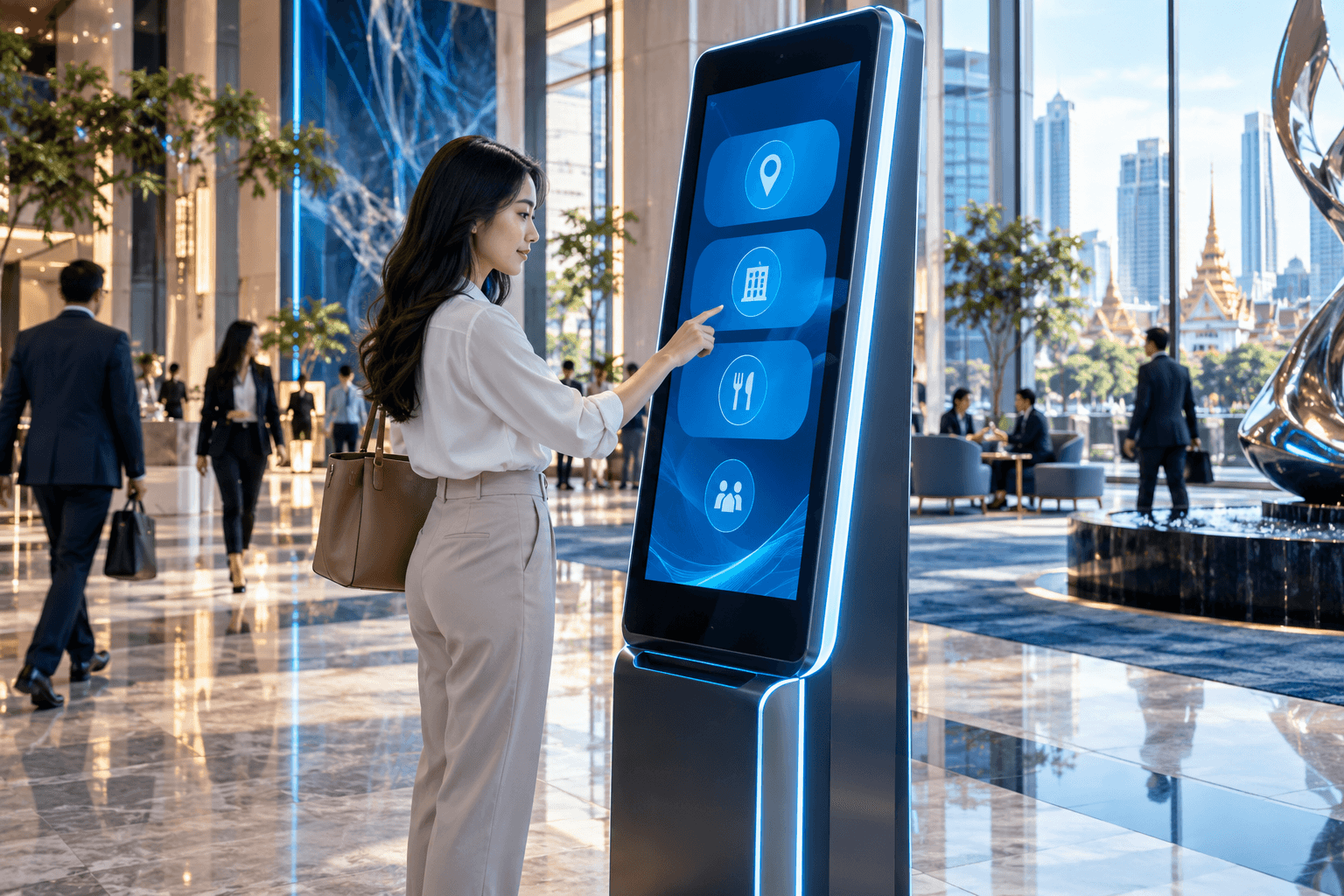
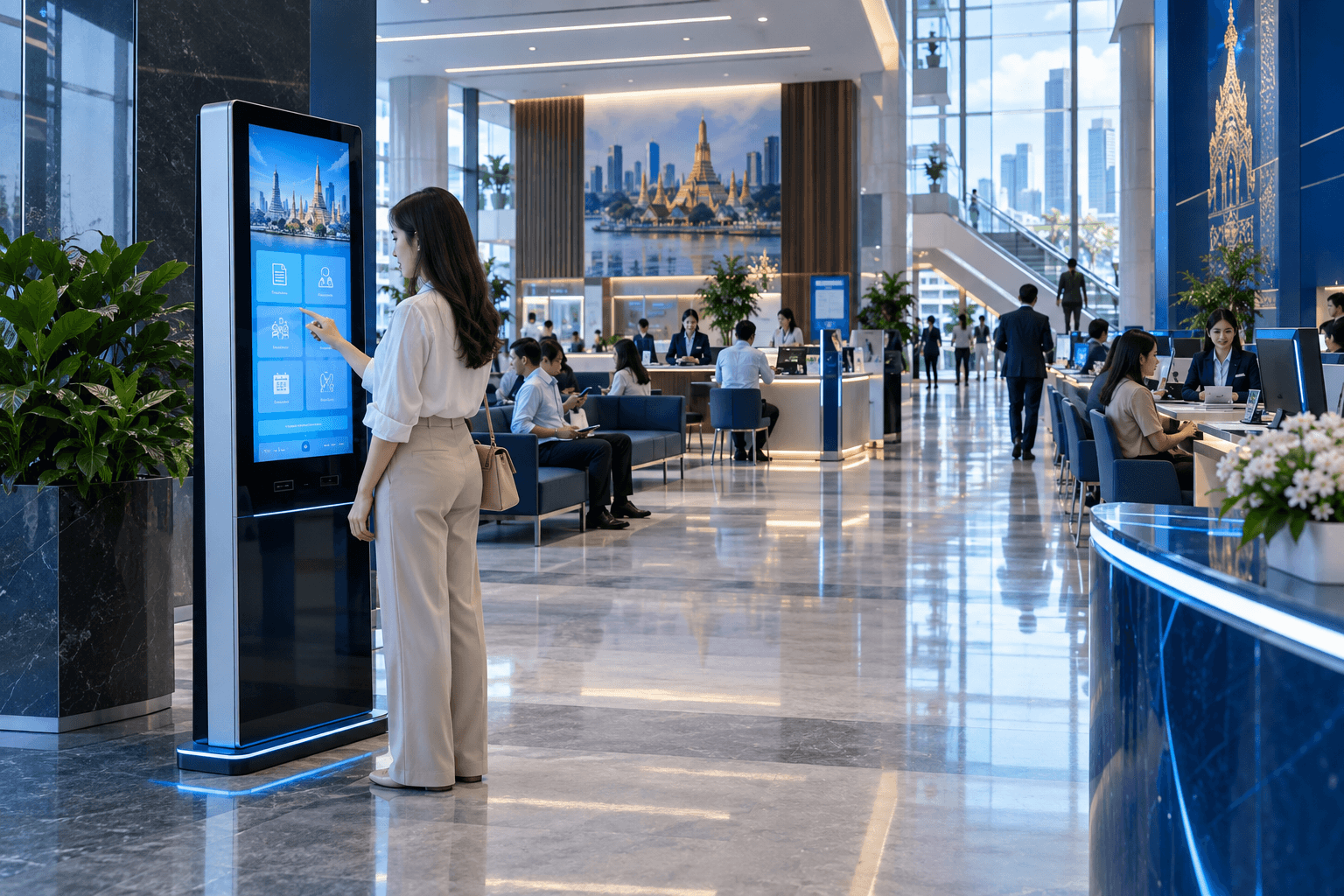
Information Kiosk
Self-service access to information and services.
Explore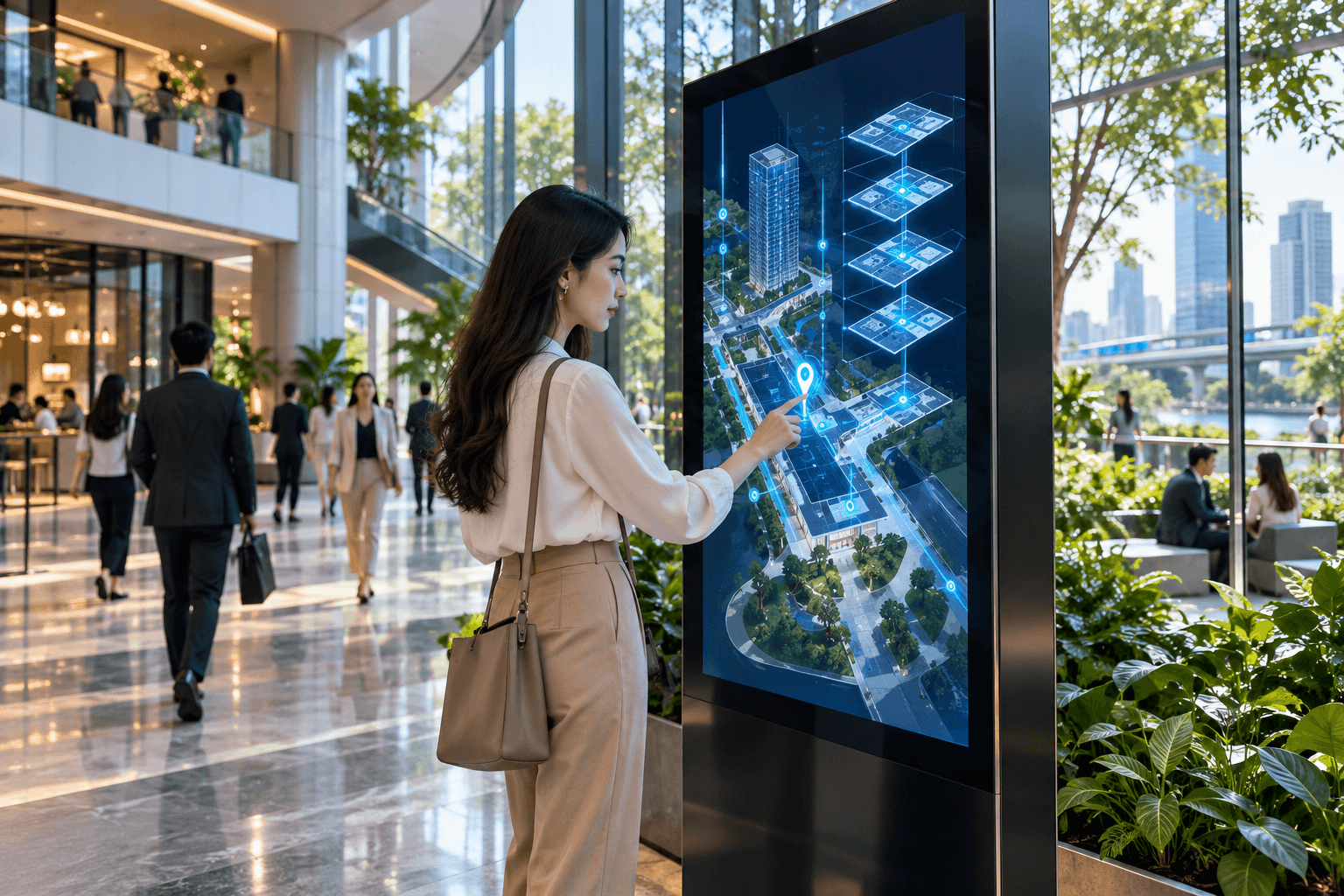
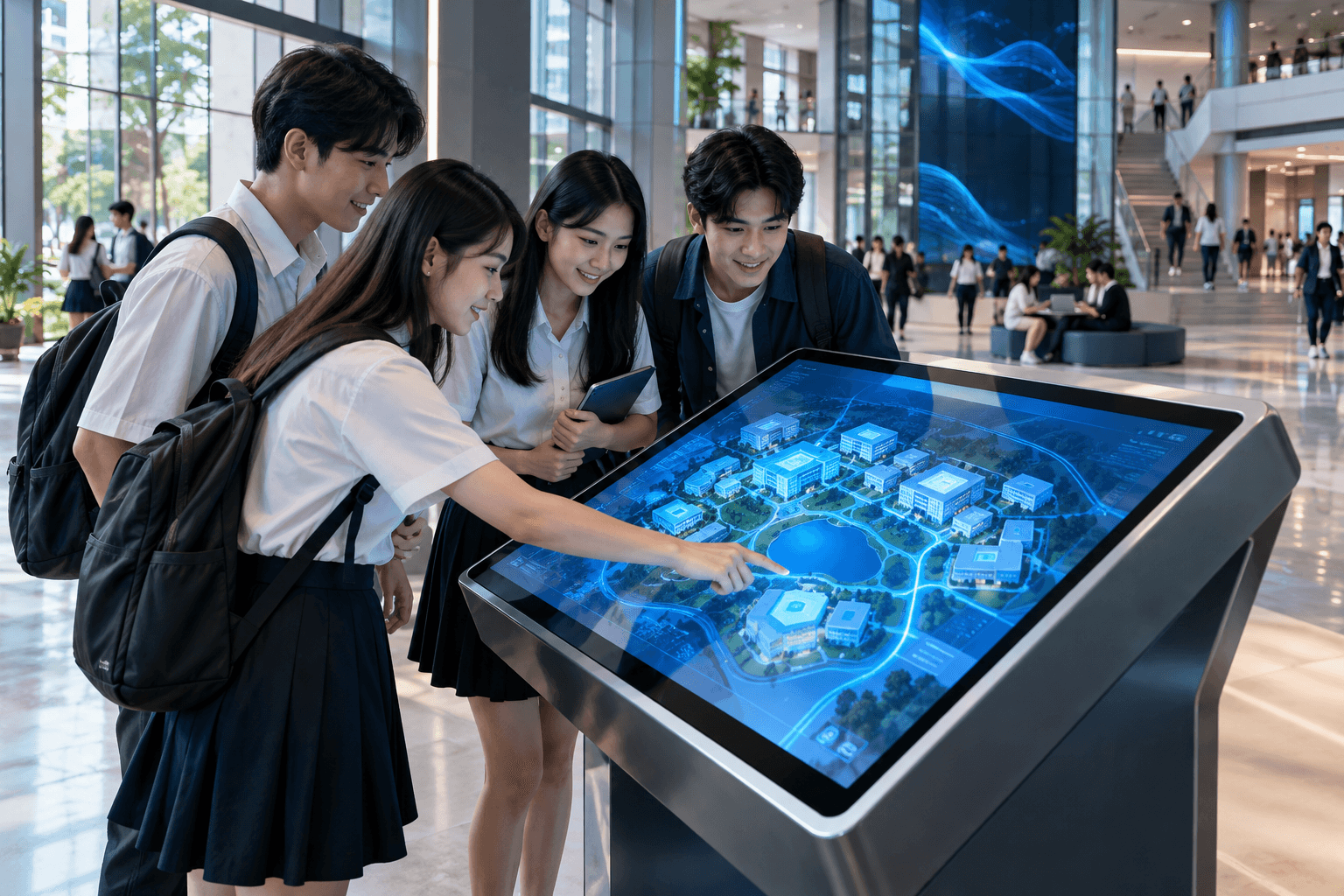
Wayfinding & Directory
Navigation for complex spaces.
Explore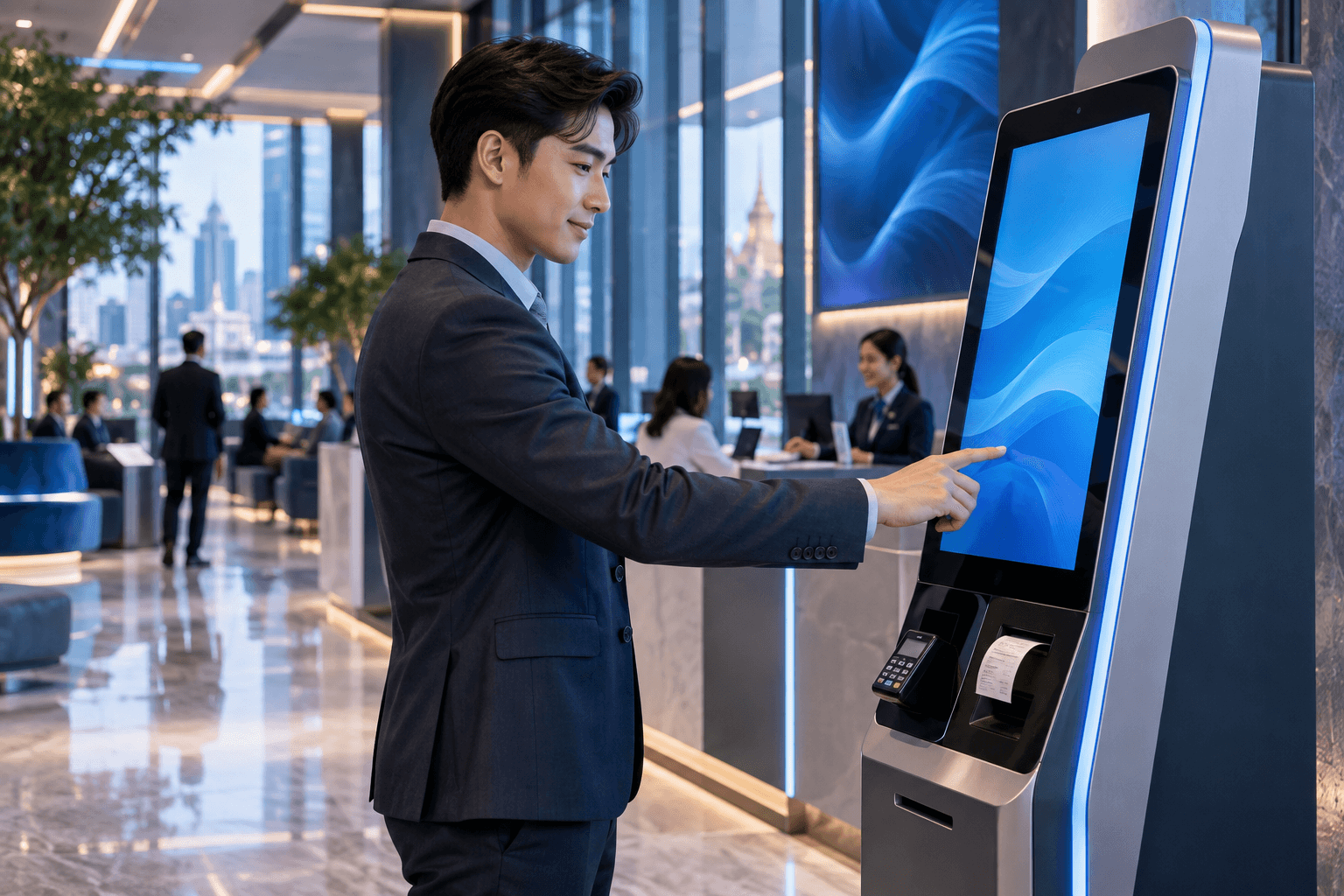
Self-Service Kiosk
Complete specific tasks independently.
Explore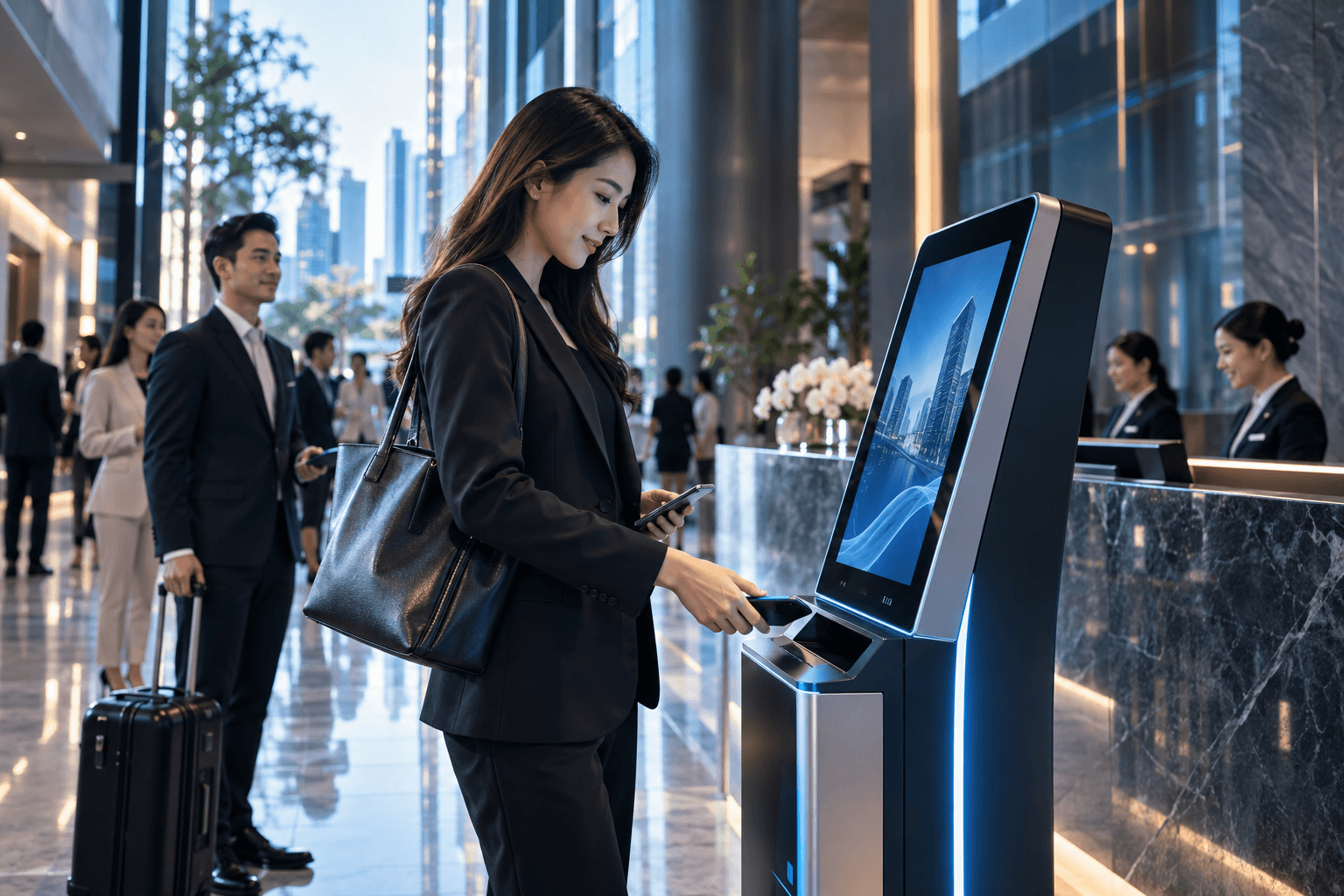
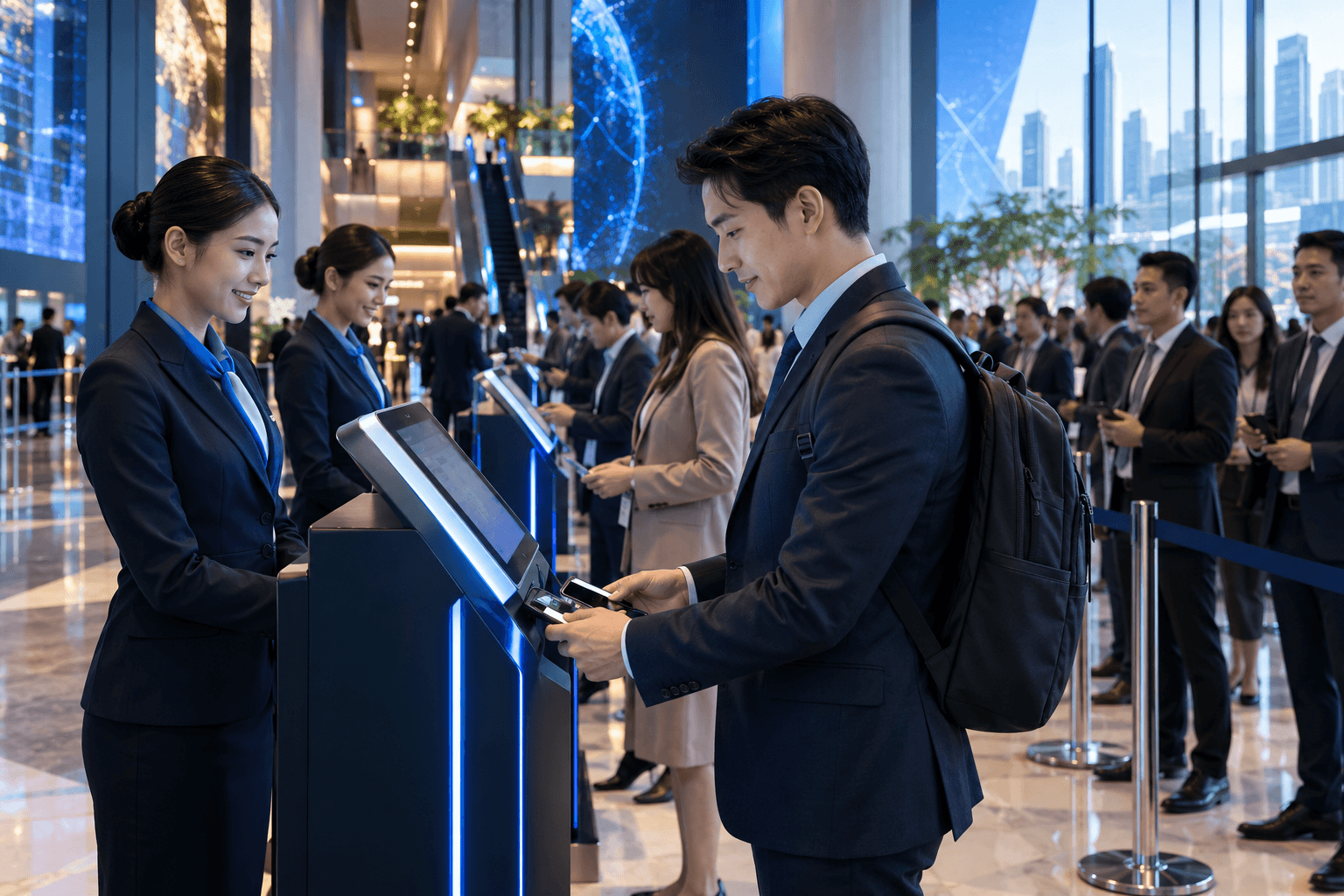
Check-in & Registration
Visitor registration and event check-in.
Explore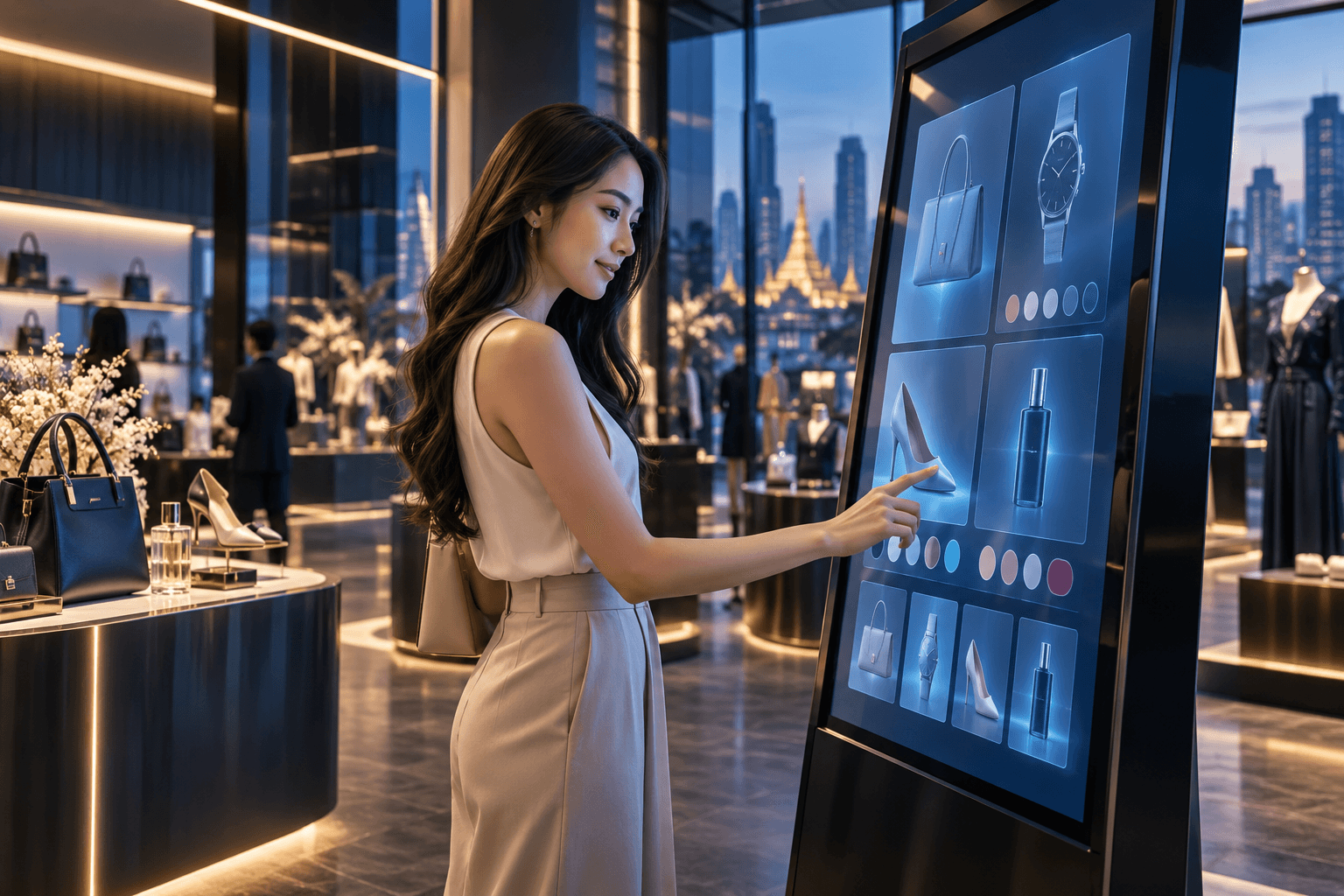
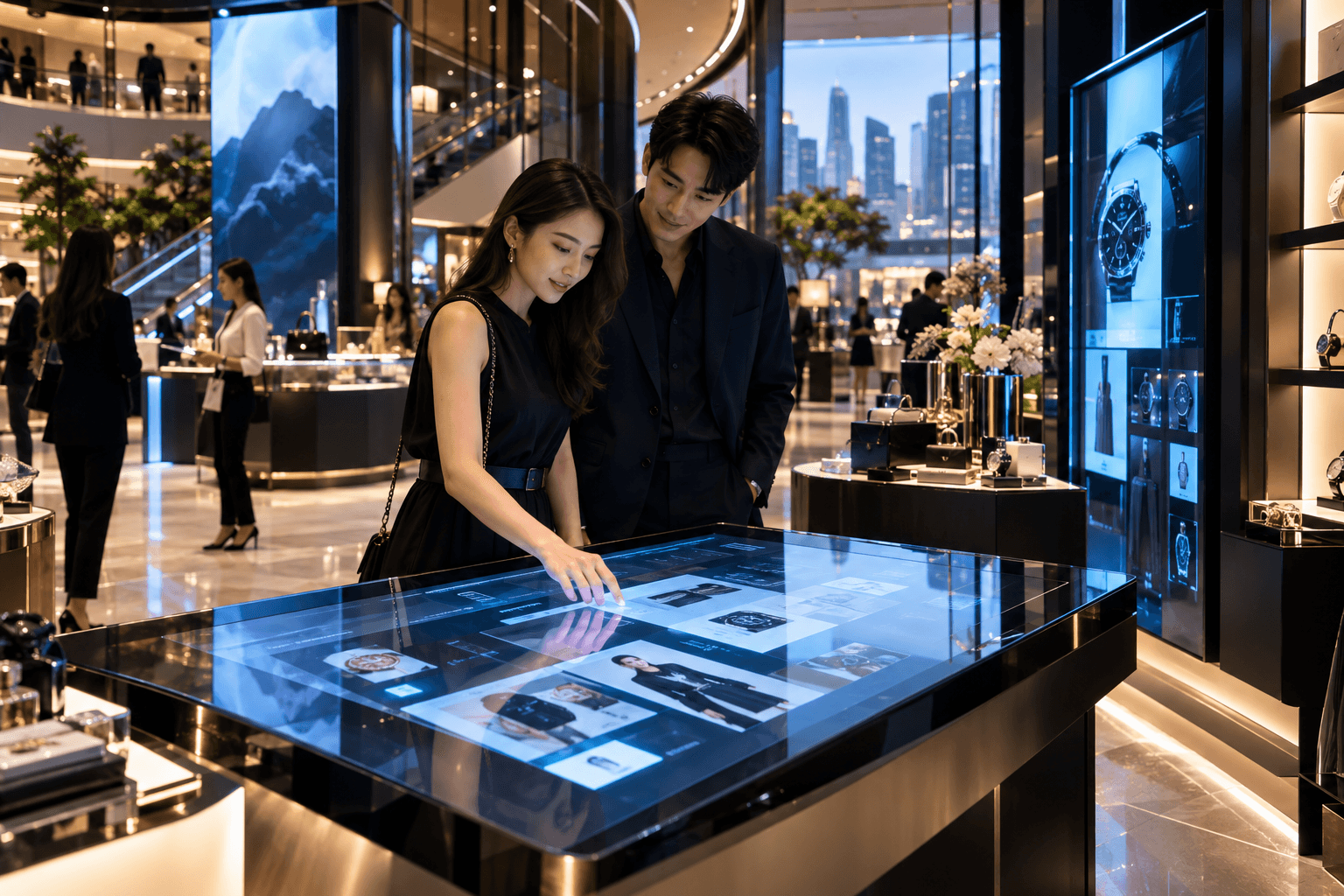
Product & Experience Kiosk
Interactive discovery for products and brands.
ExploreBuilt Around What People Need to Do.
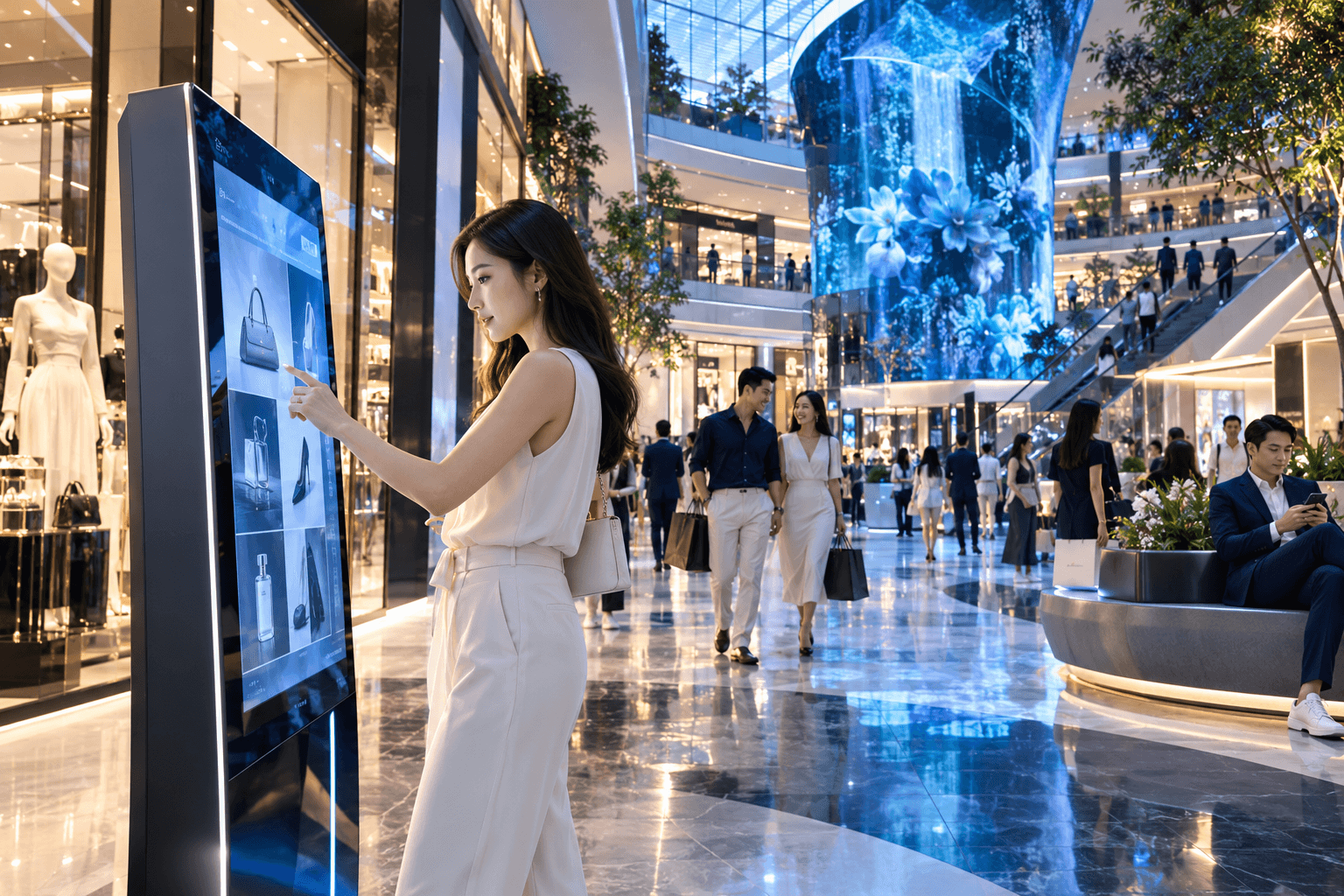
Retail & Customer Experience
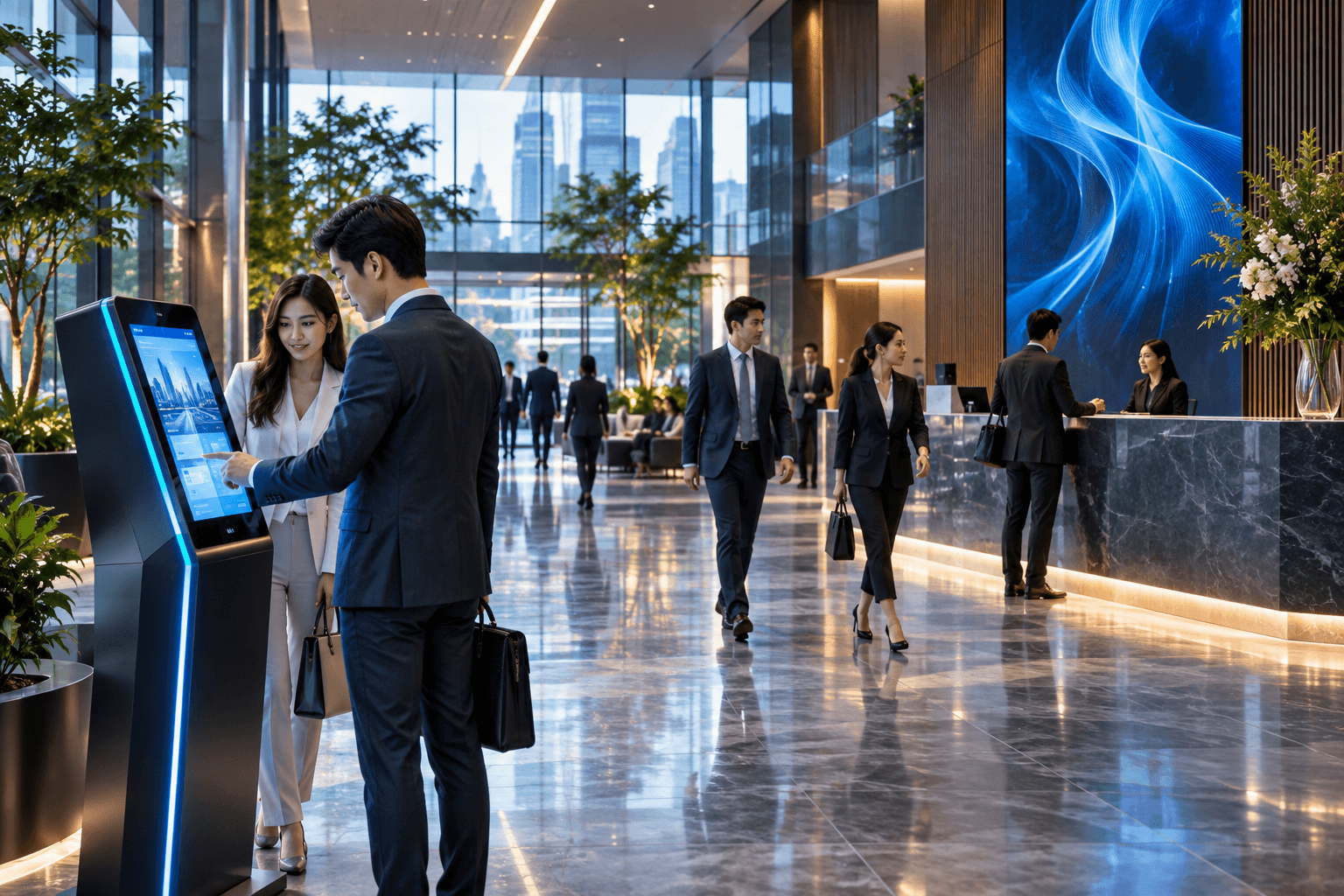
Office & Workplace
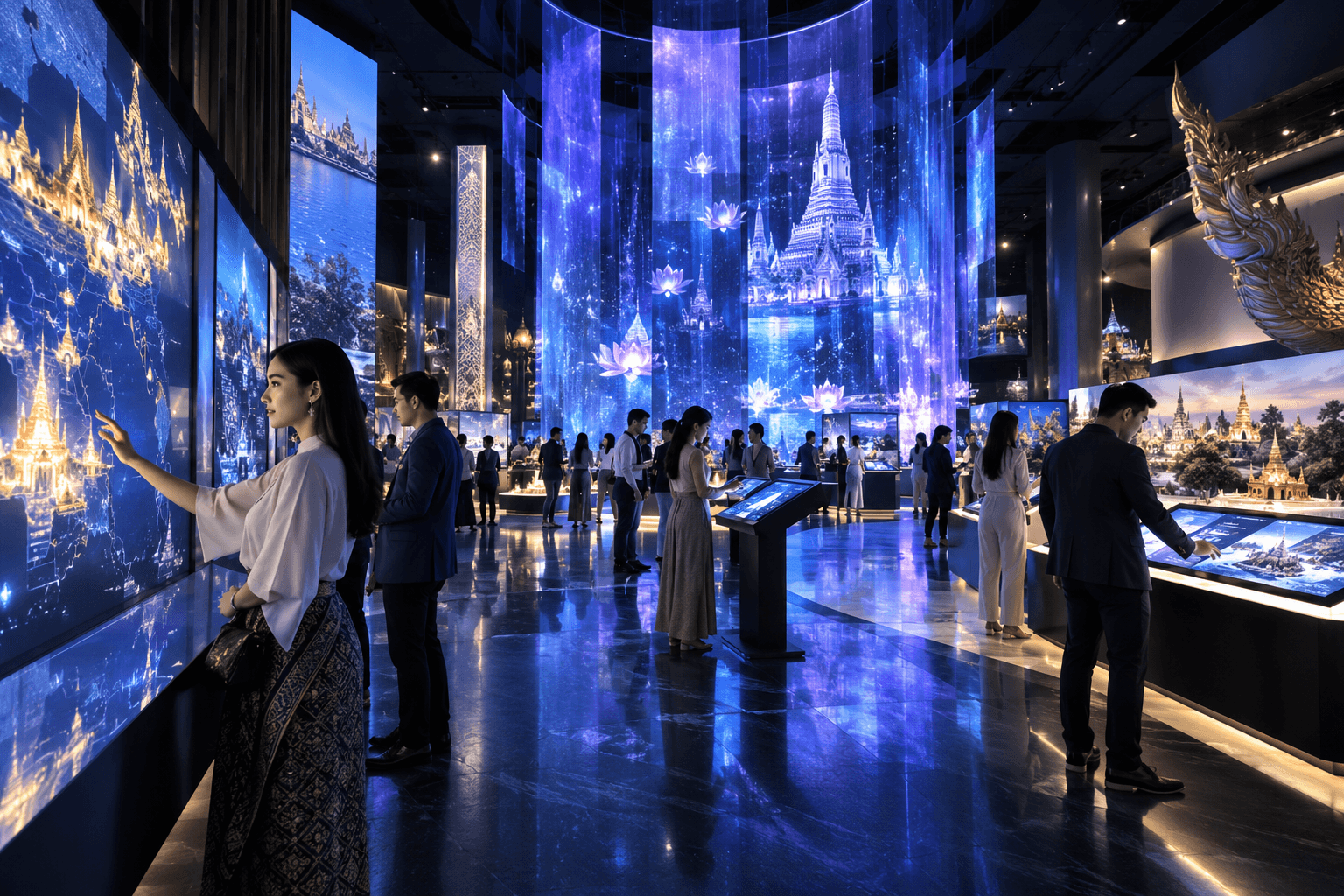
Venue & Exhibition
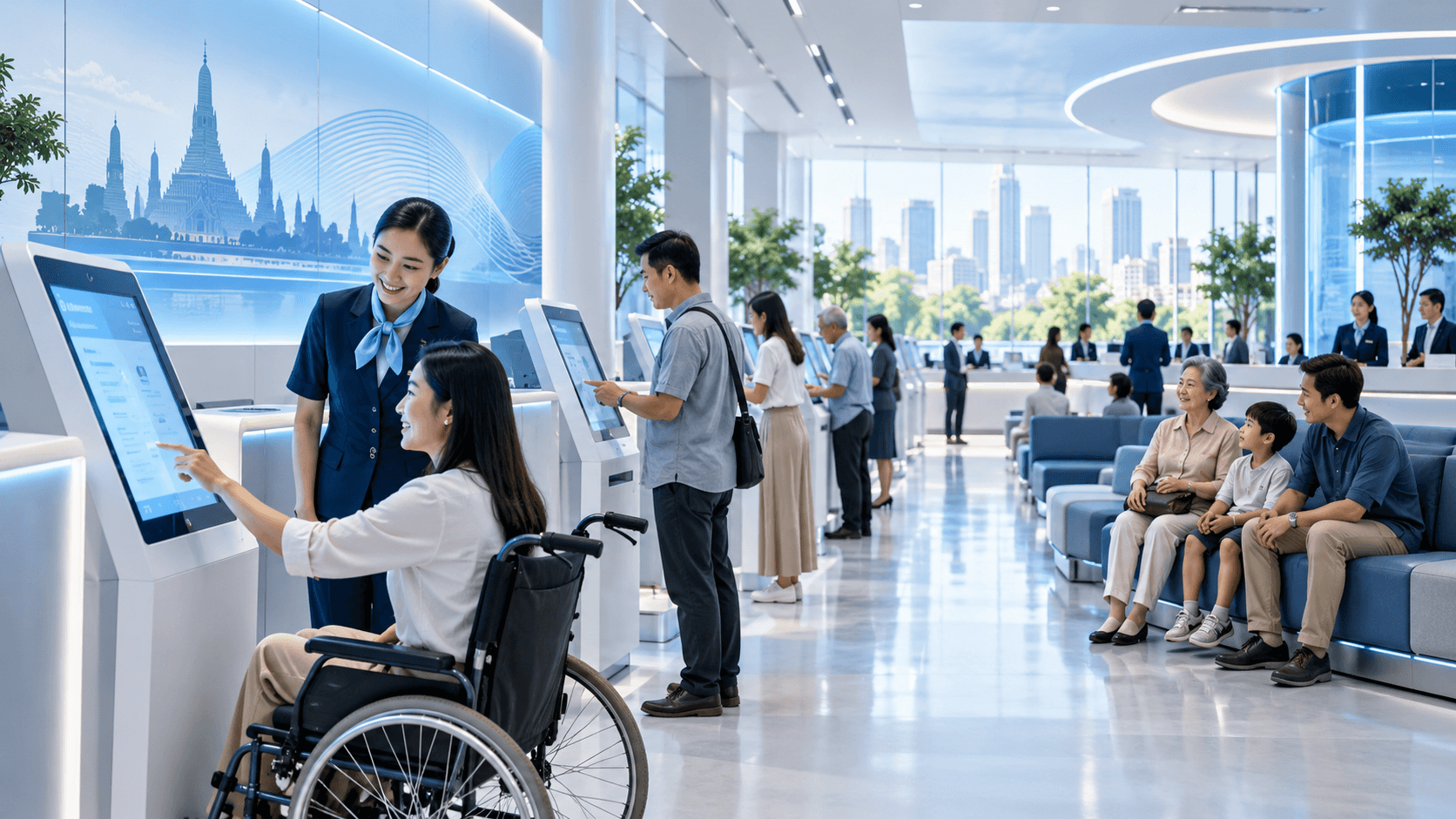
Public Service
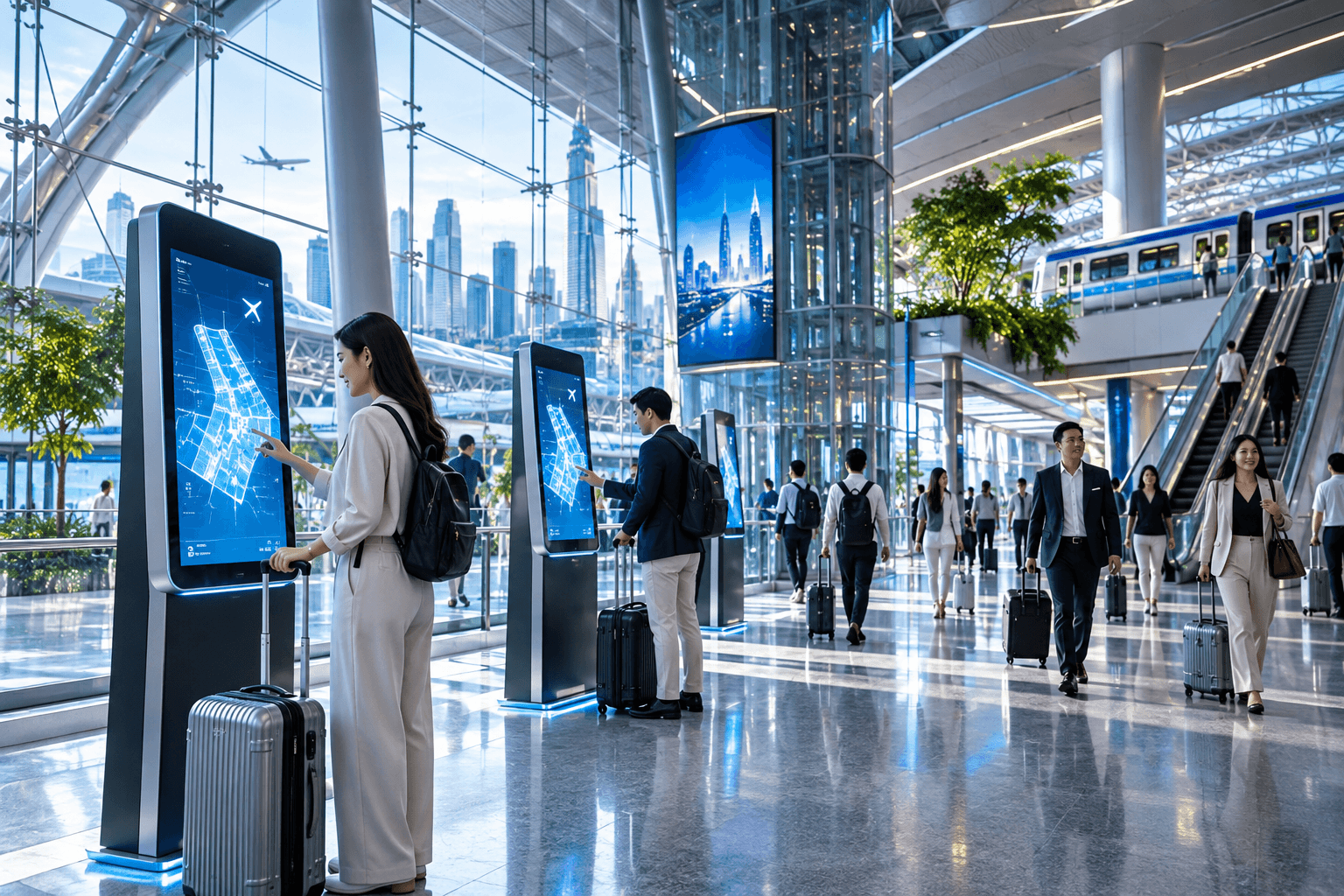
Transportation & Large Places
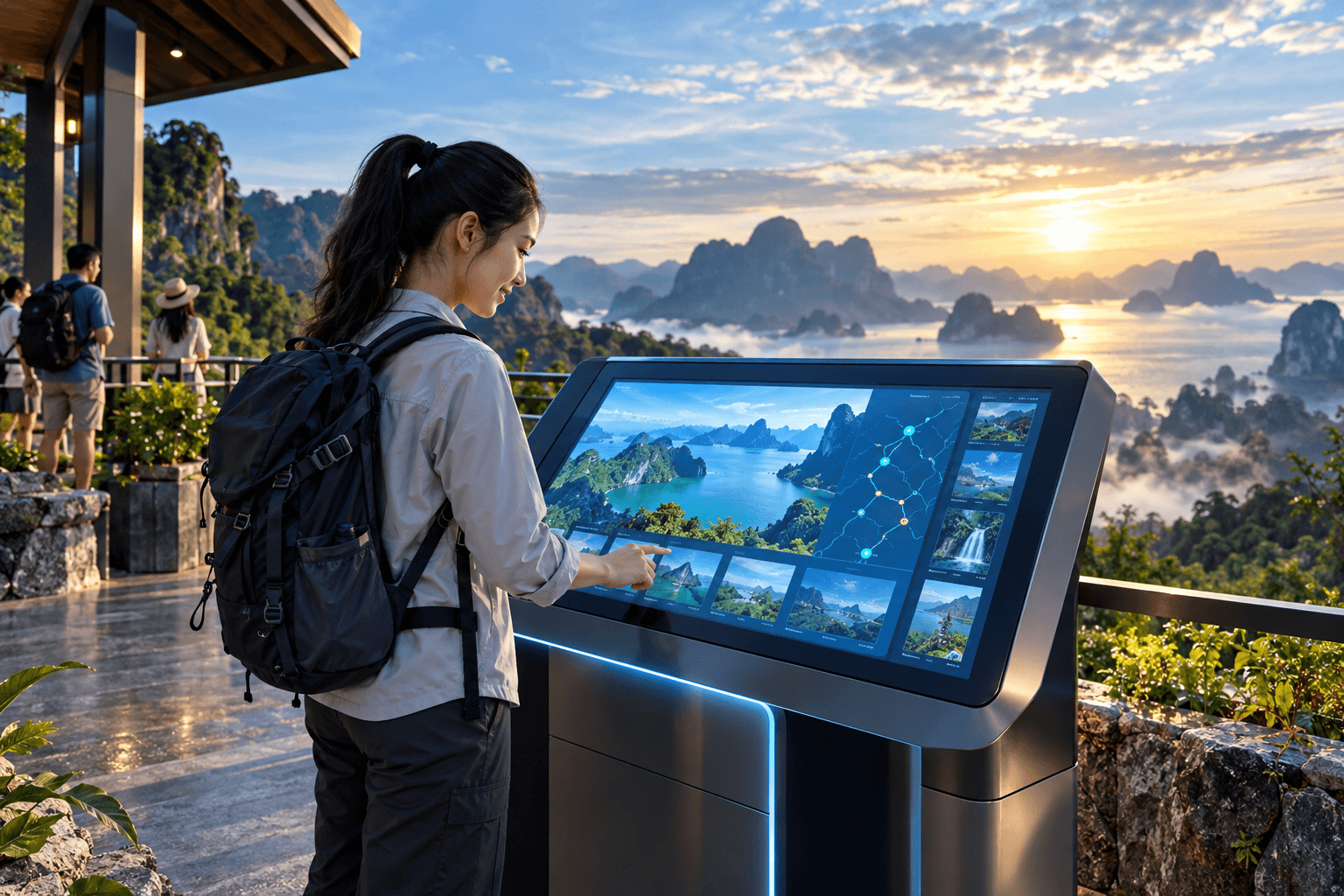
Tourism & Visitor Experience
More Than a Touchscreen.
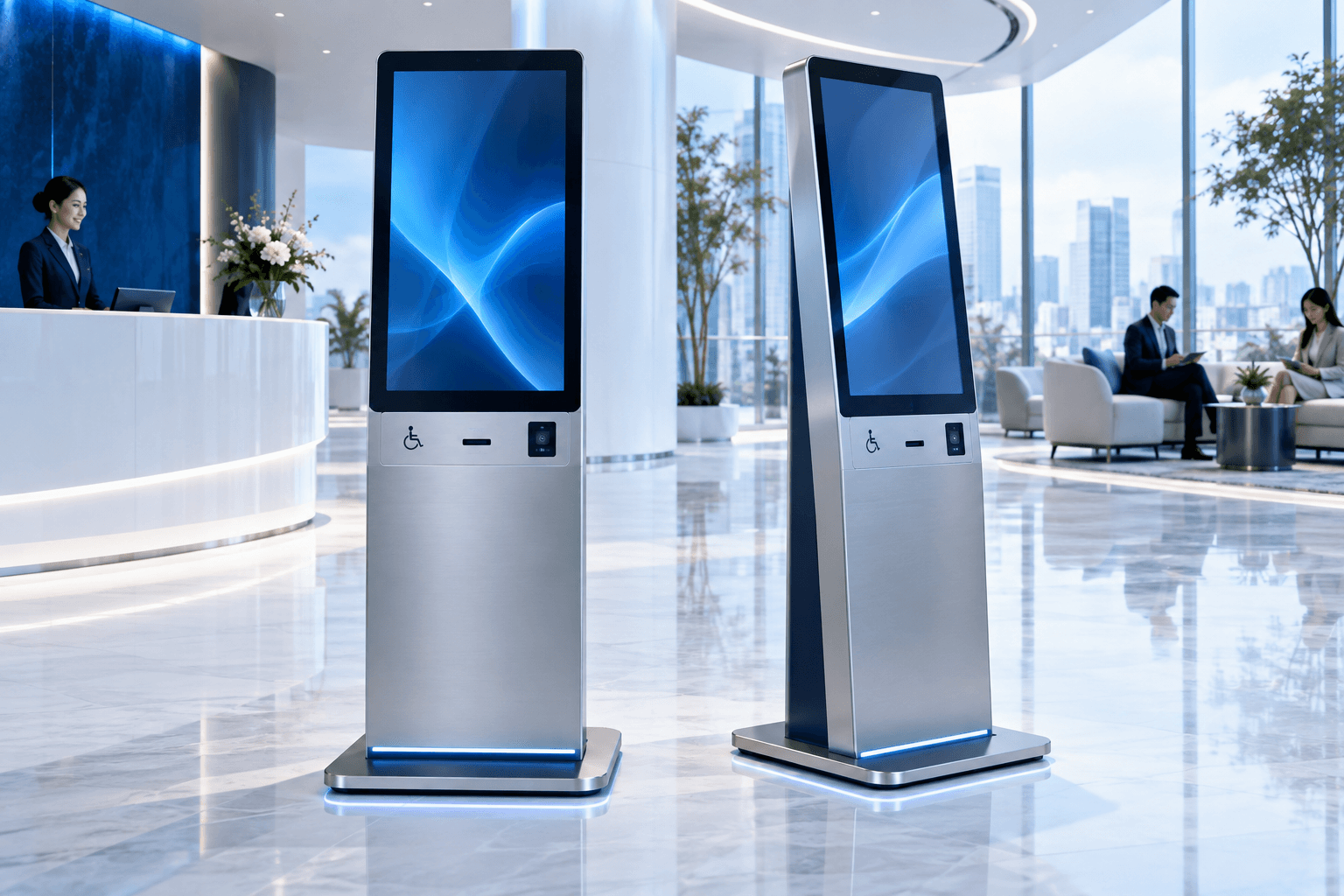
A useful interactive solution depends on more than the display itself. Thunder brings together the experience, device, software, connectivity and operational workflow as one complete touchpoint.
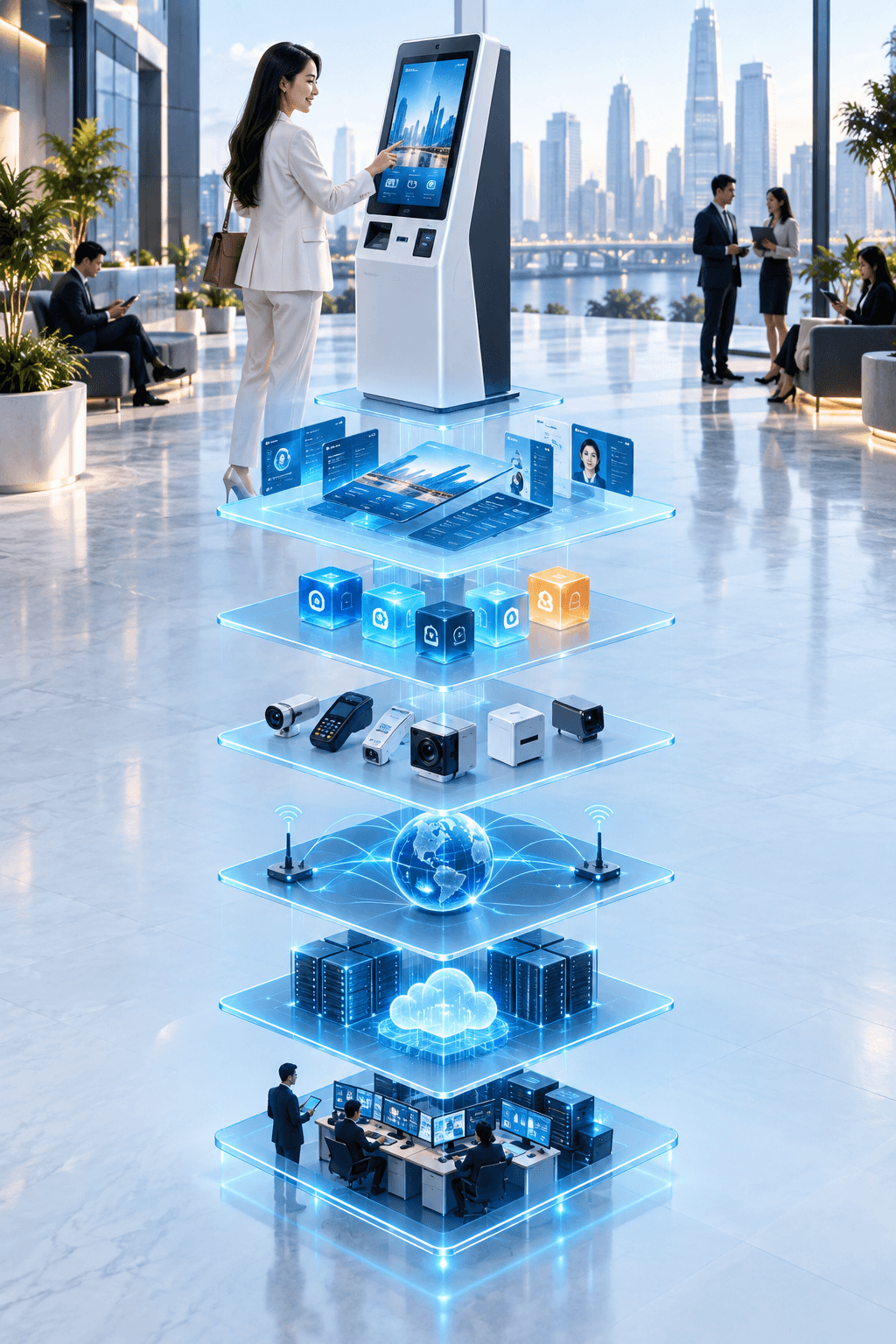
Experience & UX
User journey and interface design
Application
Content, services and features
Interactive Device
Display, kiosk and peripherals
Connectivity & Integration
Connect with your systems
Workflow & Services
Turn interaction into action
Operation
Monitor, support and improve
From Simple Interaction to Connected Service.
- Browse & Explore
- Search & Find
- Navigate
- Register & Check In
- Request
- Scan & Identify
- Connect
- Complete Transaction

CONNECTED JOURNEY
The Experience Does Not Have to End at the Kiosk.
A physical touchpoint can be part of a wider journey — connecting to web, mobile, LINE and your operational systems when the experience requires it.
From Interaction to Operation.
Understand
People · Task · Space · Outcome
Design
Journey · UX · Interface · System
Deliver
Device · Integration · Installation
Operate
Manage · Monitor · Support · Improve
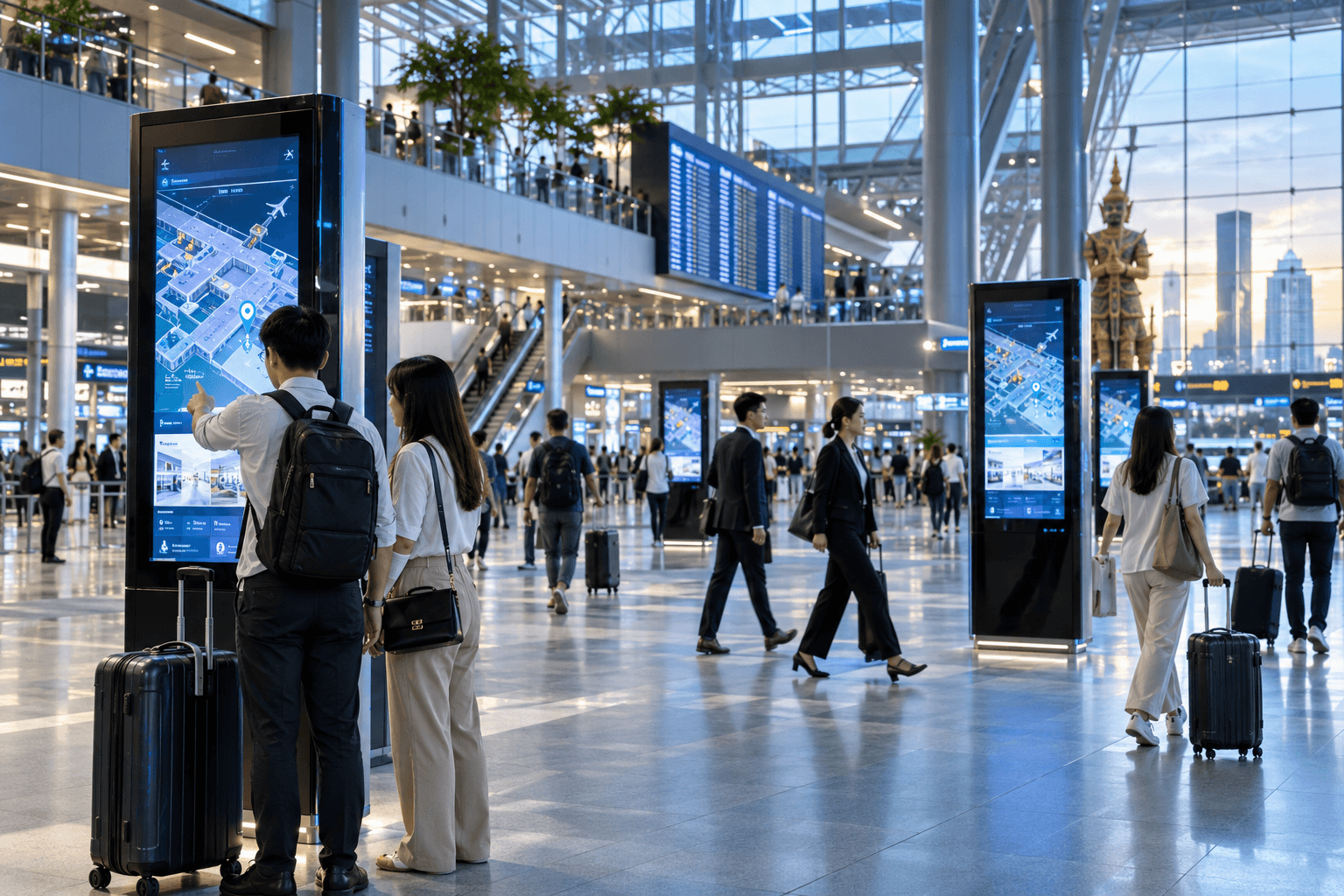
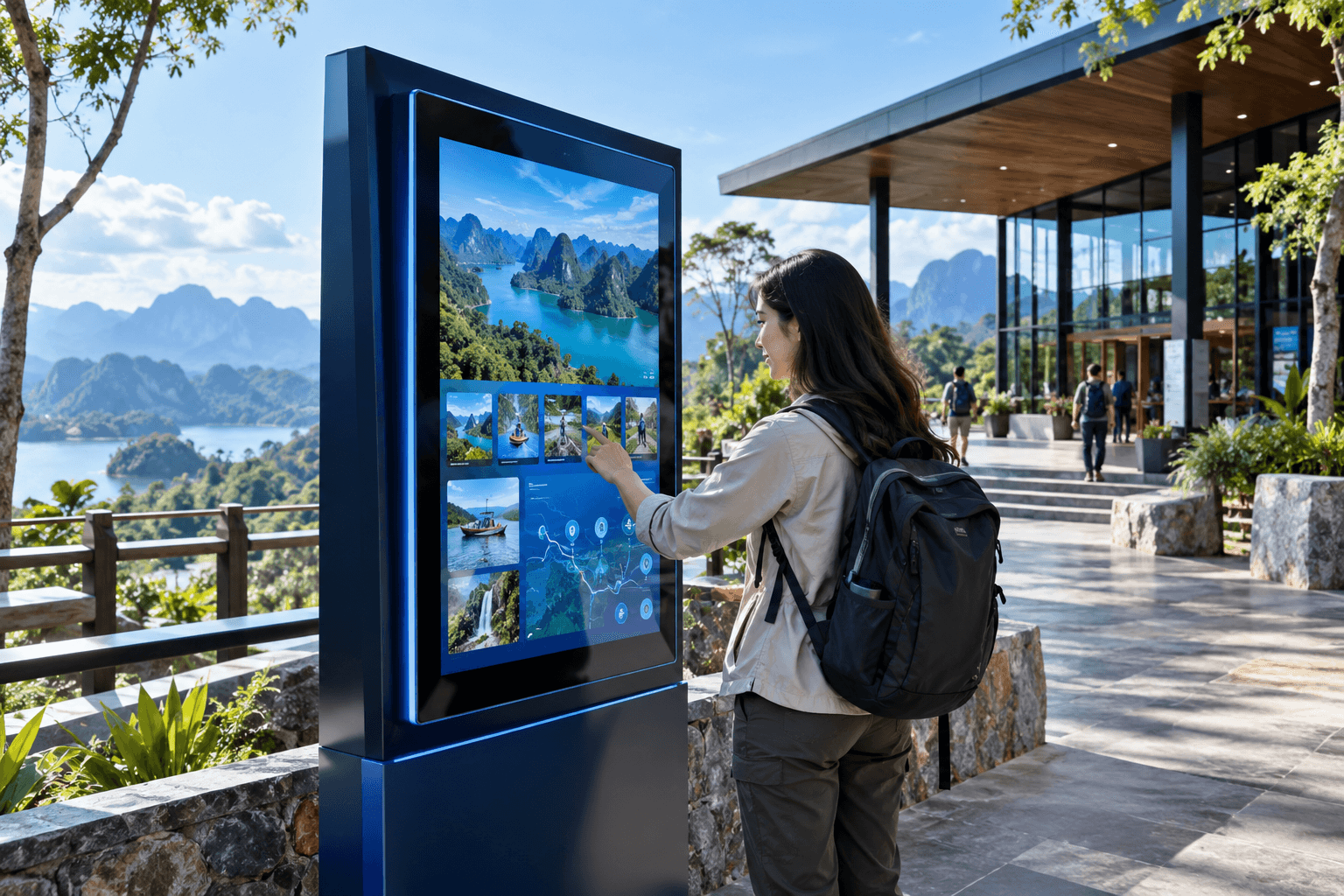

What Should People Be Able to Do Here?
Tell us about the people, the space and what you want them to accomplish. We'll help you design the right interactive approach.
INTERACTIONS PEOPLE PLACES POSSIBILITIES